Daily Gratitude.
One line of thanks a day grows your own garden.
Role
Everything: idea, design, code, launch
Team
Just me, with AI coding agents
Platform
iPhone · EN, 한국어, ES
Status
Coming to the App Store
One Person, Idea to App Store
Gratitude journals work, but most people stop after a week because writing a full entry feels like homework. Daily Gratitude asks for one line. Each day you write, your garden grows a little; share a garden with family or friends and you watch it grow together. I designed it, built the iPhone app and its backend, and made the App Store assets myself, with AI coding agents as my engineering partner.
How I Built It
-
Idea
A habit small enough to keep
Make gratitude a one-line, once-a-day habit, and give people a reason to come back: a garden that only grows when they do.
-
Build
SwiftUI app with a living garden
Built the app in SwiftUI on Firebase: sign in with email, Apple or Google, real-time shared gardens and push notifications. Plants grow with the days you write, not the number of posts, the garden changes with the seasons each month, and a watering card shows today's progress.
-
Polish
Privacy, delight and two more languages
Added locked-down database rules, account deletion and a passcode lock; a sun and moon that follow the time of day; and full Korean and Spanish translations.
-
Rethink
"Start private, share when ready"
New users were asked to pick Solo or Shared before writing a single line. I redesigned it: everyone starts with a private My Garden, and sharing means creating a separate garden later. I wrote a handoff spec and built a clickable prototype to test the flows.
-
Build
Shipped the new model in three phases
Removed the choice from onboarding, added a garden switcher with a one-time hint, then a "New garden" explainer, Invite button and ready card, each on its own branch, with Xcode Cloud set up for builds.
-
Launch
App Store assets, ready to go
Designed the App Store screenshots and app icon in a warm, hand-drawn garden style to match the app.
A Design Call: Private First
The hardest decision was how sharing should work. I wrote down every option and why it won or lost:
Sharing creates a new, empty garden; My Garden is never exposed
The button says "New garden", never "Share"
Turning a private garden into a shared one, because it would expose private lines
Picking an audience on every post, because it slows down writing
Key Features
One line a day, with an optional photo or voice note
A garden that grows and changes with the seasons
Shared gardens with family and friends, in real time
Private by default, with a passcode lock
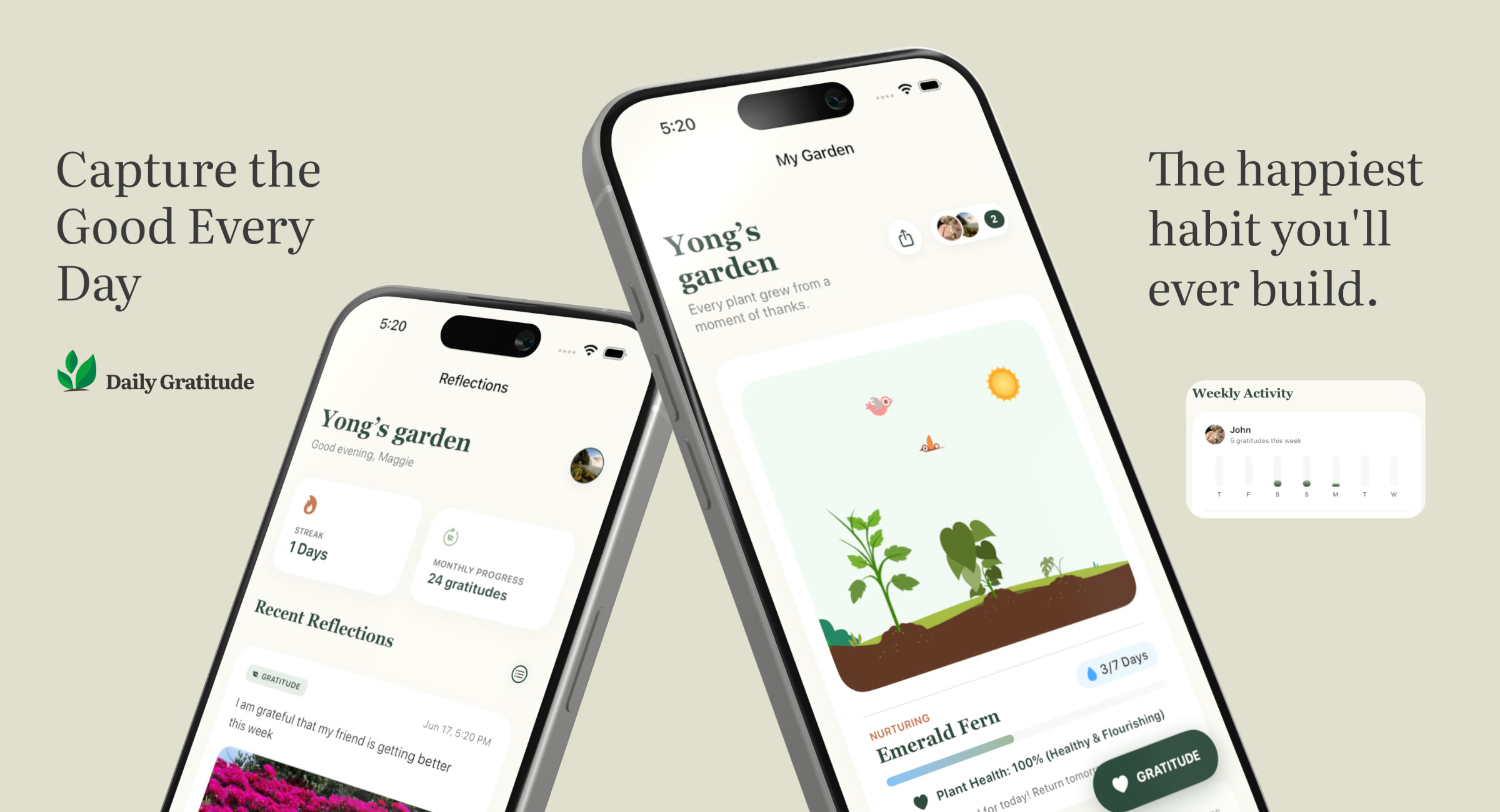
iPhone · App Store screenshots
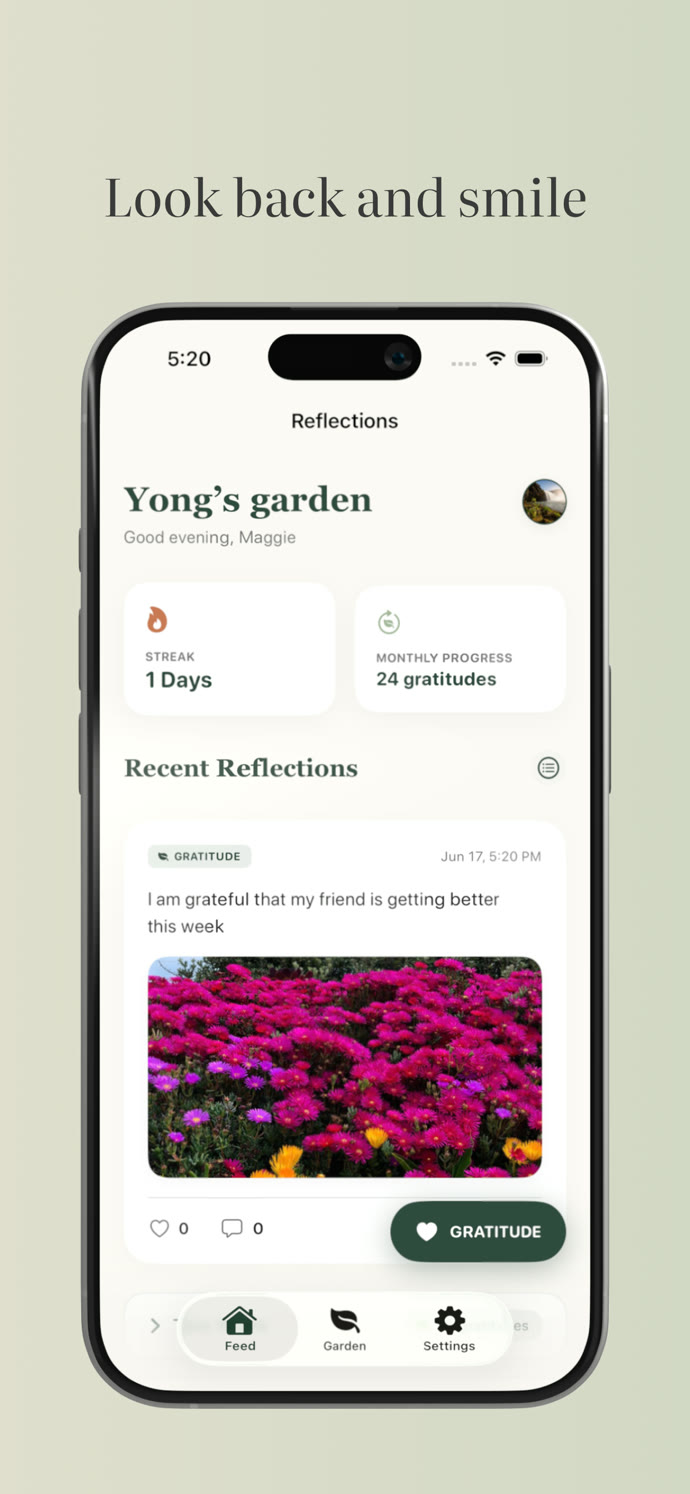
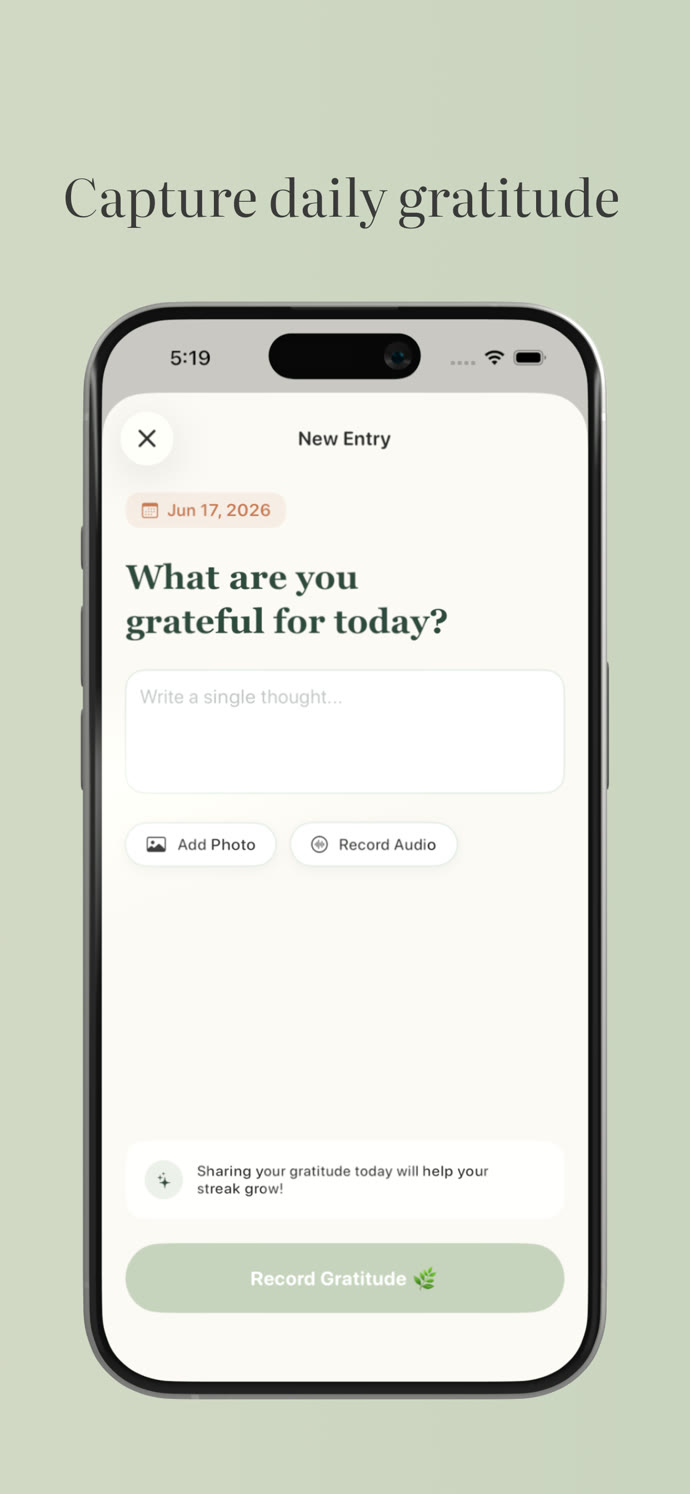
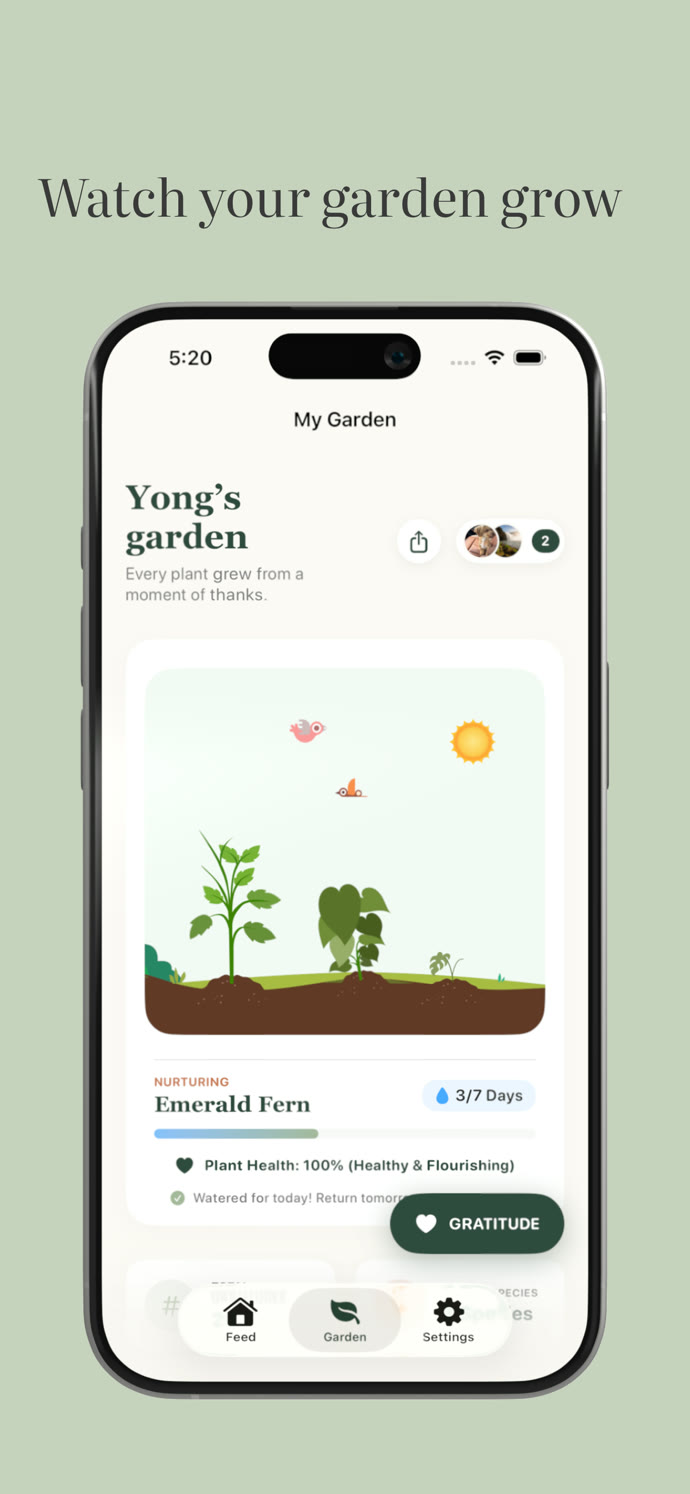
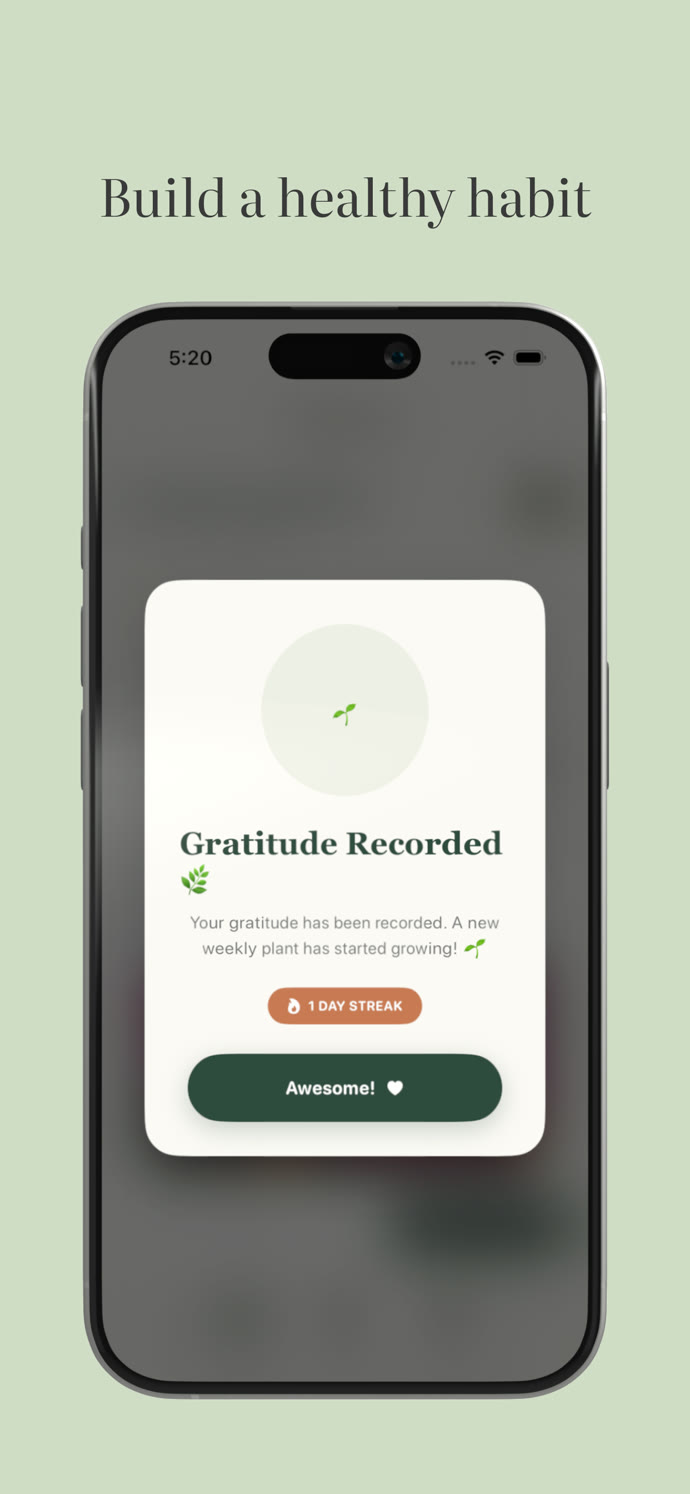
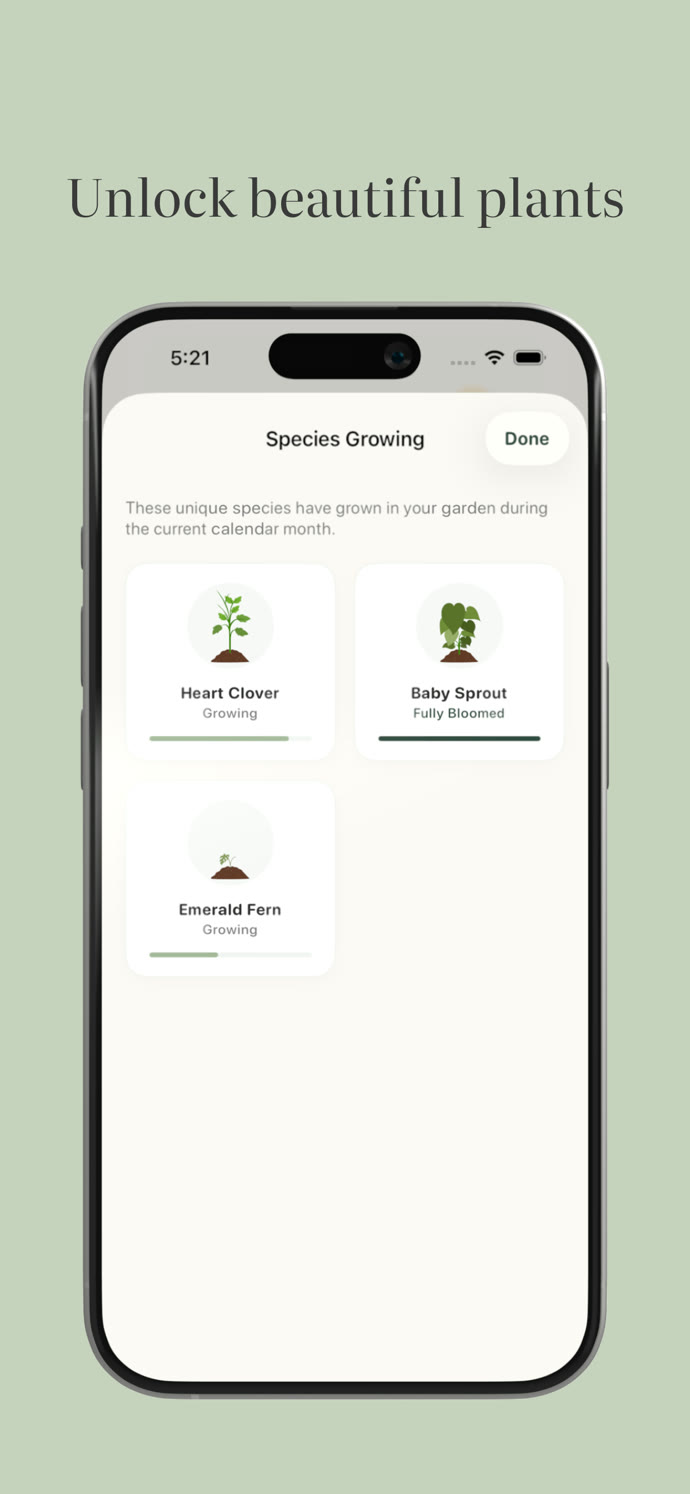
A garden
that grows
with you.
- Grows by days, not posts. Writing ten lines in one day doesn't crowd the garden.
- Changes every month. Seasonal backgrounds and new plants to unlock.
- Needs watering. Skip too many days and your plant starts to dry out.