iOS App · On the App Store

TaskRing.

Not just an alarm. Your day, visualised.

Role

Everything: idea, design, code, launch

Team

Just me, with AI coding agents

Platform

iPhone, iPhone Duo & iPad

Status

Live on the App Store, version 2.0

One Person, Idea to App Store

TaskRing is a real, shipping App Store product that I took from first sketch to launch, and then to a major 2.0 update, on my own. I owned the product thinking, the UX and visual design, the Swift code, App Store review, in-app purchases, the website and the launch video, working with AI coding agents as my engineering partner.

1Person on the team
27App builds
85Commits
v1 → v2In under five months

How I Built It

  1. Idea
    An alarm that shows your day

    A regular alarm wakes you up, then leaves you to piece the day together. I wanted the alarm itself to show the plan, and to handle the small repeating habits, like drinking water or standing up, without blaring.

  2. Design
    Flows and screens in Figma

    Mapped the core flows (alarms, interval presets, stopwatch, timers, schedule) and designed the UI and onboarding in Figma, then matched the app to the designs screen by screen.

  3. Build
    Native Swift, newest iOS APIs

    Built it in Swift with Apple's new AlarmKit for real system alarms and timers, Live Activities and the Dynamic Island for running timers, and swappable clock faces, with a notification fallback when the system limit is reached.

  4. Market
    Website and App Store assets

    Designed and built the product website and created the App Store screenshots myself.

  5. Launch
    Through App Store review

    The first submission came back with two rejections. I reworked the alarm-permission onboarding, added an in-app permission banner, resubmitted, and added Premium clock faces with StoreKit 2 in-app purchases.

  6. 2.0
    Rebuilt for iPhone Duo in a week

    Planned the update in five steps: an adaptive layout for iPhone Duo, iPad and Split View; two pages on the unfolded Duo; fold and unfold transitions; and Nightstand mode. After three TestFlight builds, 2.0 went to the App Store on Nov 16.

  7. Promote
    Launch reel and site update

    Produced the iPhone Duo launch reel as code with HyperFrames (HTML rendered to video), refreshed the app icon in 2.0.1, and added a scroll-driven iPhone Duo section to the website.

Key Features

⏰

Your full day shown the moment the alarm rings

💧

Repeating presets for water, stretching and eye breaks

🎨

Swappable clock faces, plus stopwatch and timers

📖

Two pages on iPhone Duo and iPad, plus Nightstand mode

Visit the TaskRing site

iPhone Duo New in 2.0

Made for
iPhone Duo.

  • Two pages when open. Calendar and the day's alarms on the left; clock, next alarm and presets on the right, split right on the fold.
  • Smooth fold and unfold. The clock glides to its own page with a soft haptic; Reduce Motion keeps it to simple fades.
  • Nightstand mode. Half-folded by the bed it becomes a dim clock with big Snooze and Stop buttons.

iPhone
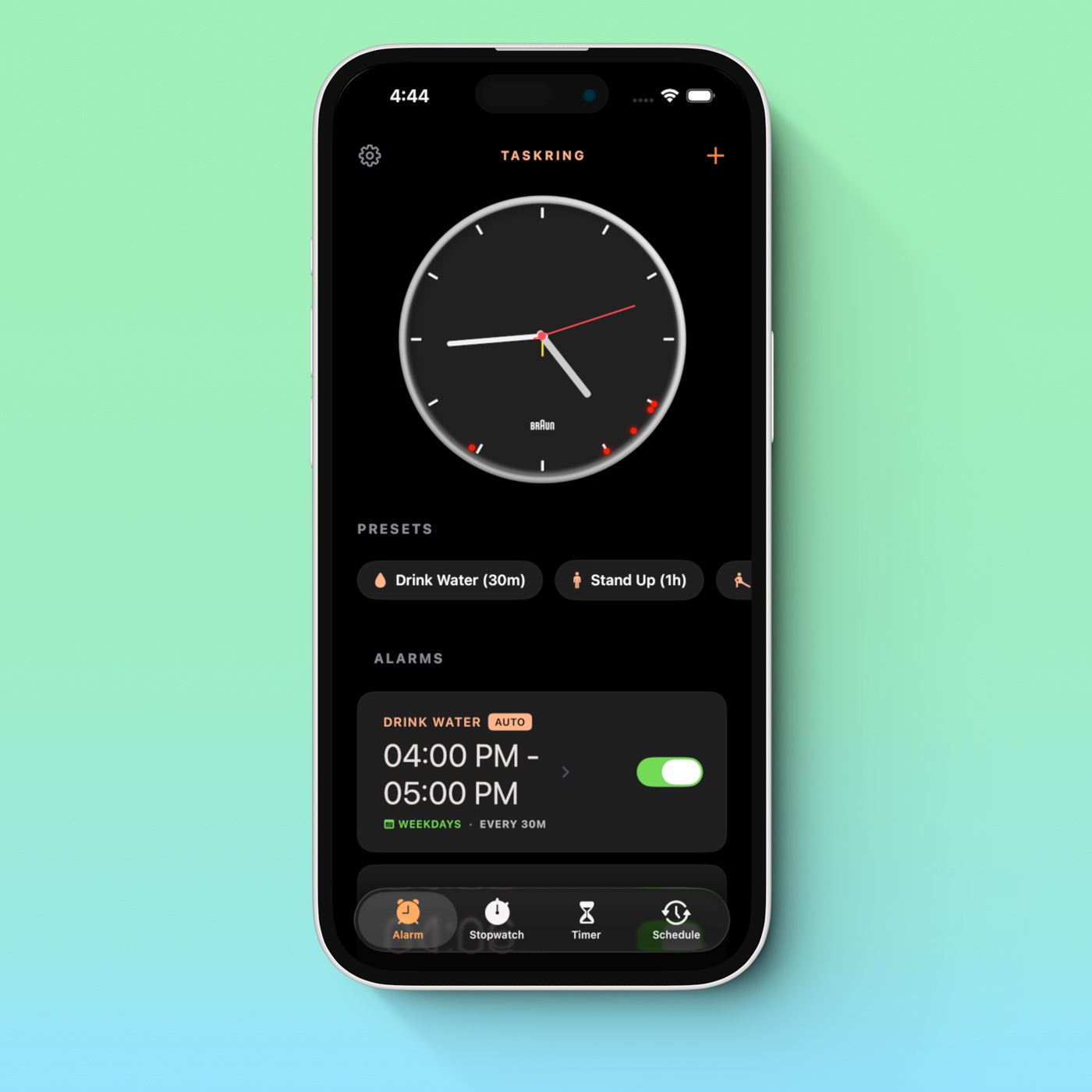
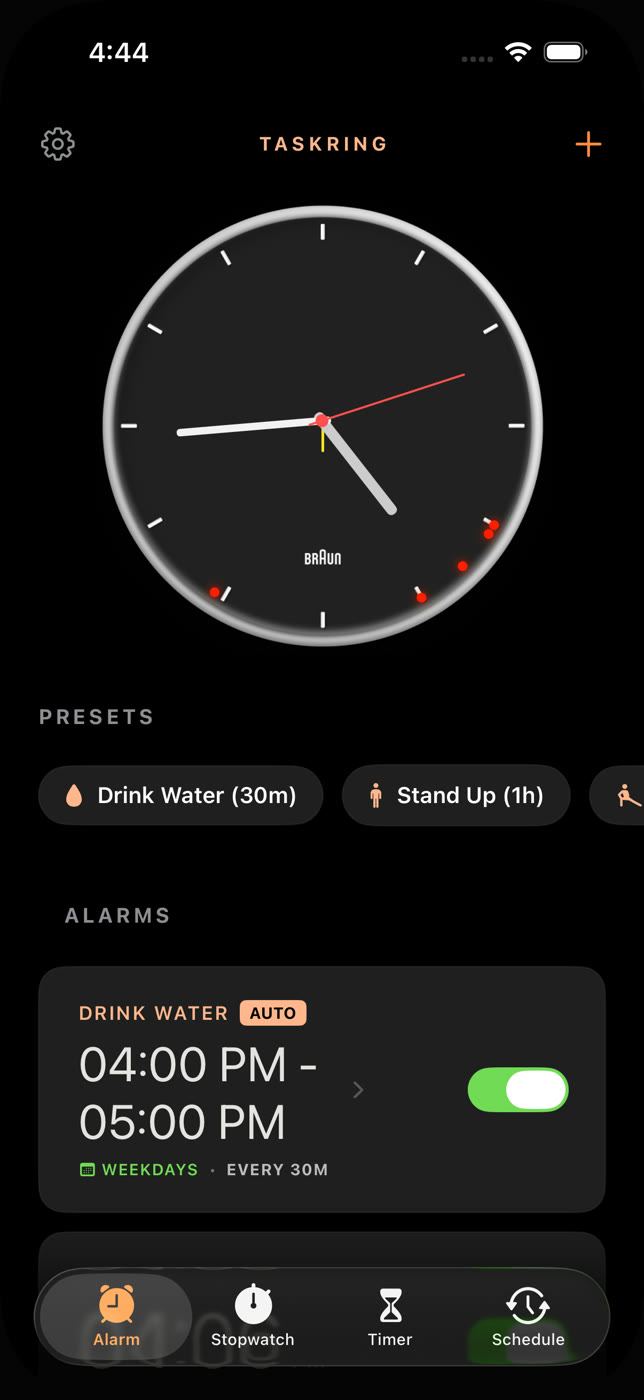
TaskRing alarm screen on iPhone
Alarm screen with clock and presets
Clock, presets and alarms
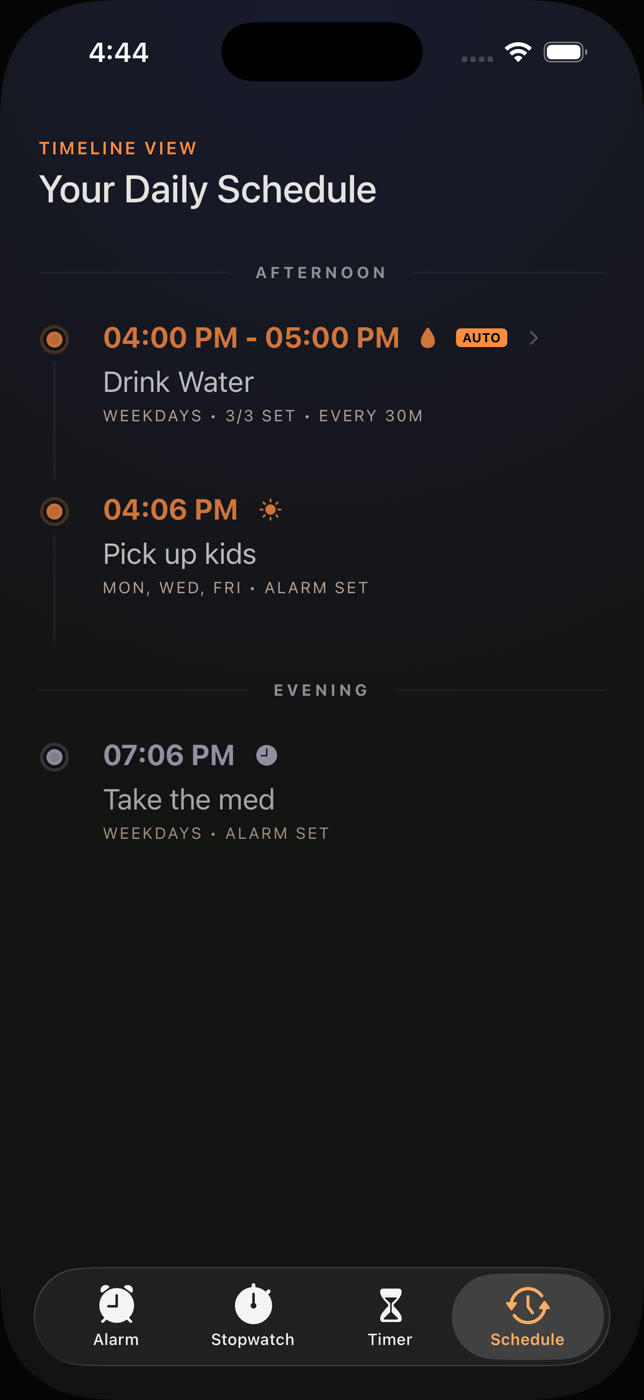
Timeline view of the day's schedule
The day as a timeline
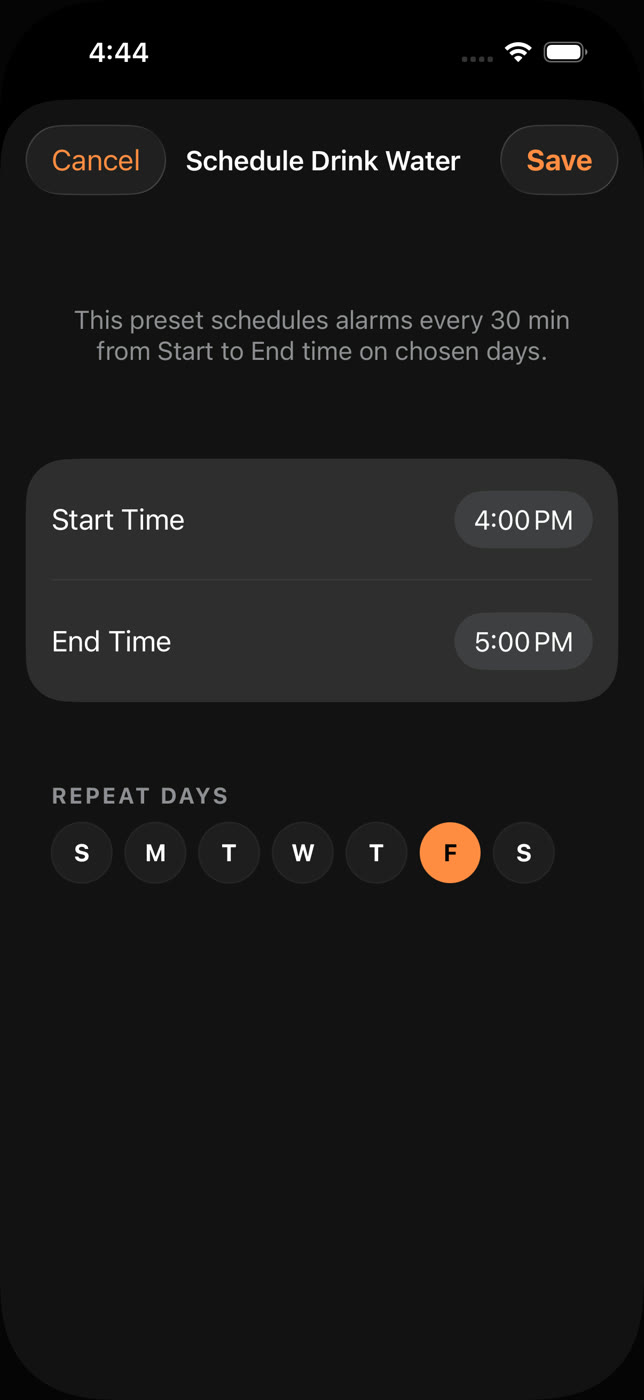
Scheduling a repeating Drink Water preset
Repeating presets
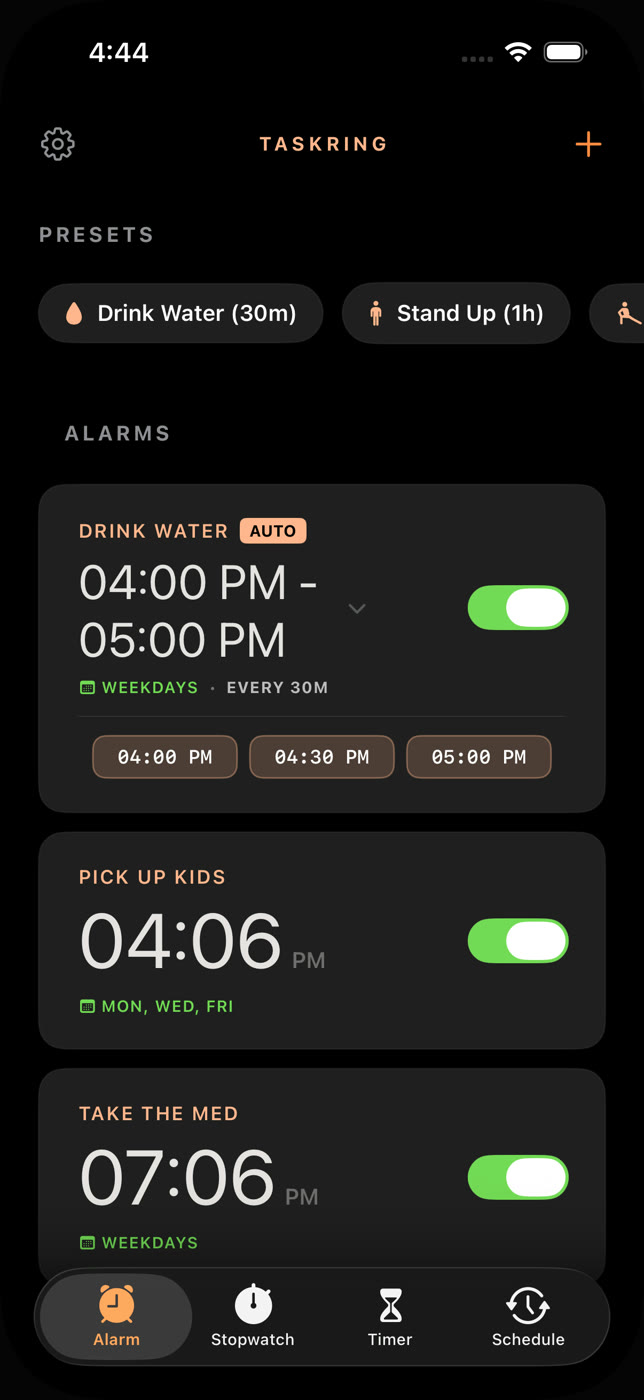
Alarm list with interval chips
Every alarm at a glance
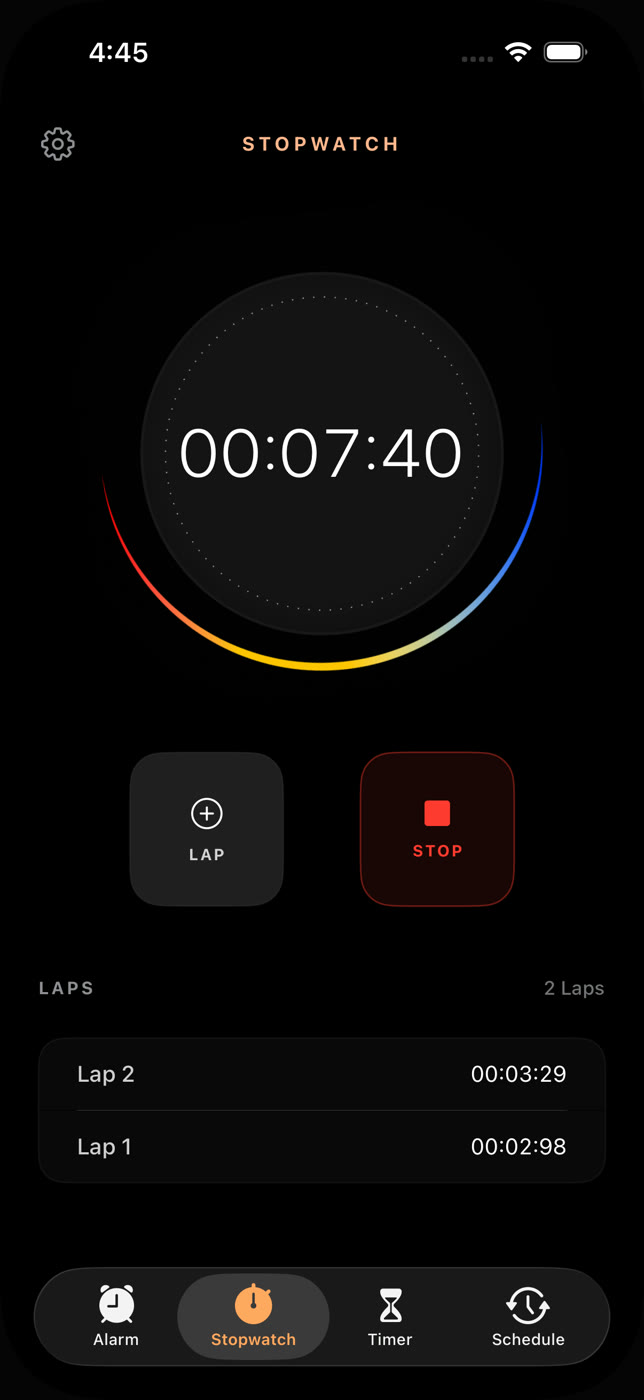
Stopwatch with laps
Stopwatch
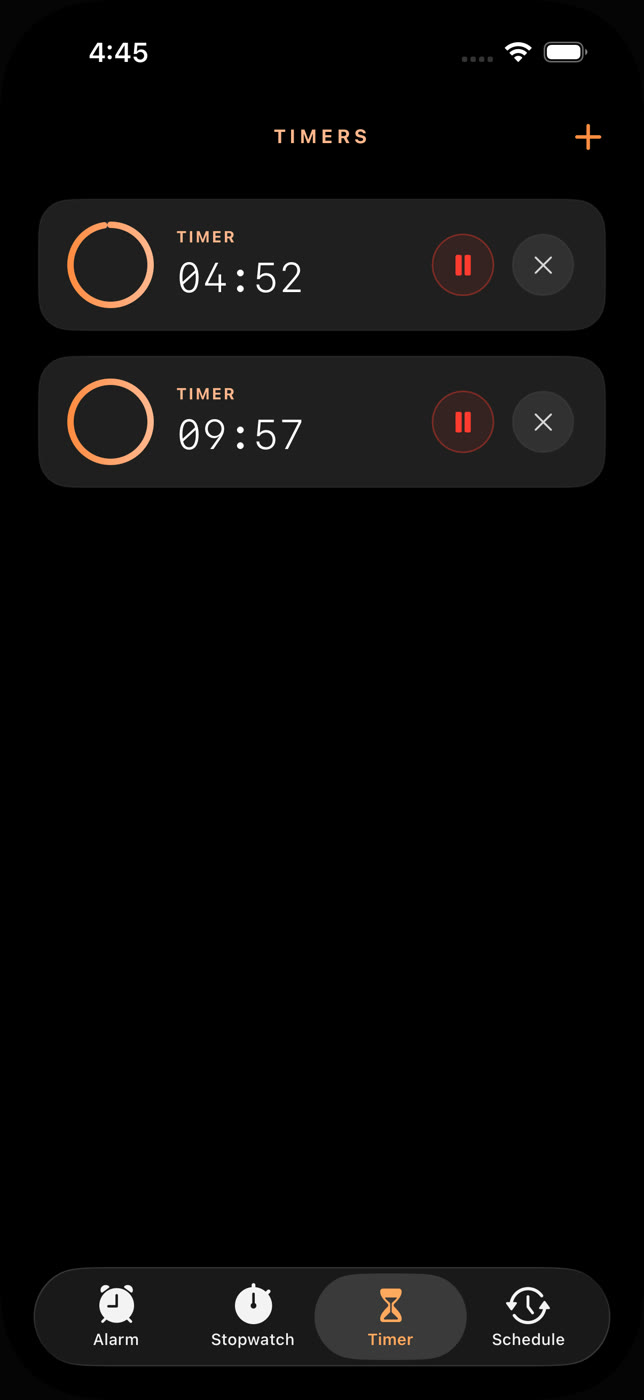
Multiple running timers
Multiple timers